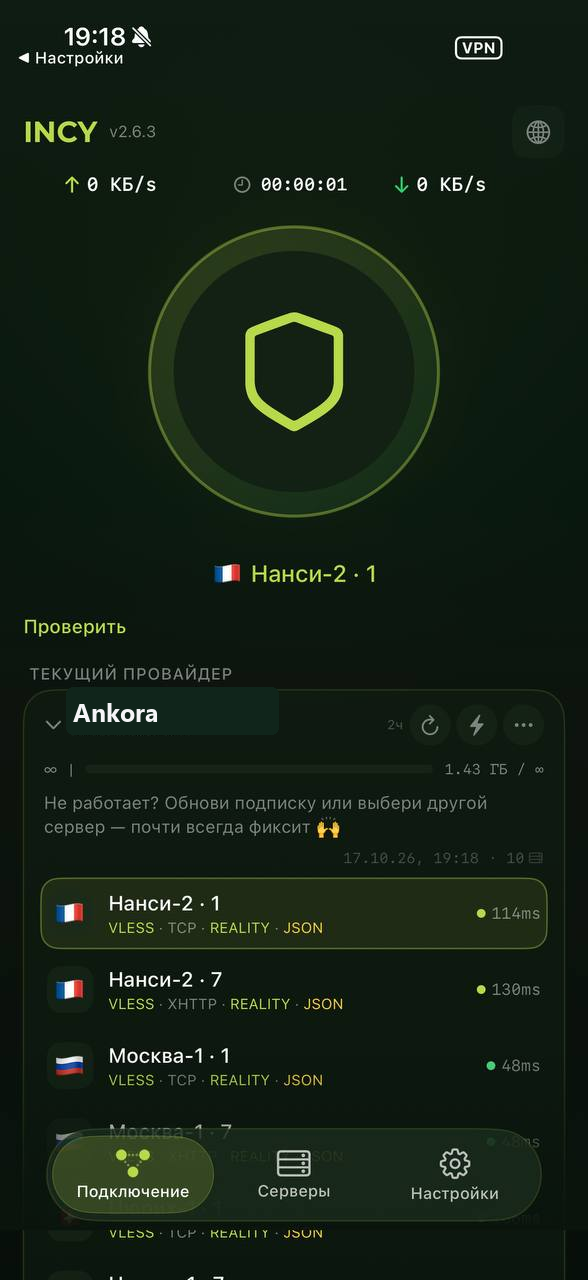
iPhone and iPad · INCY · detailed guide
Connect to Ankora with INCY
Install INCY first, then add your subscription.
Two ways to add your subscription
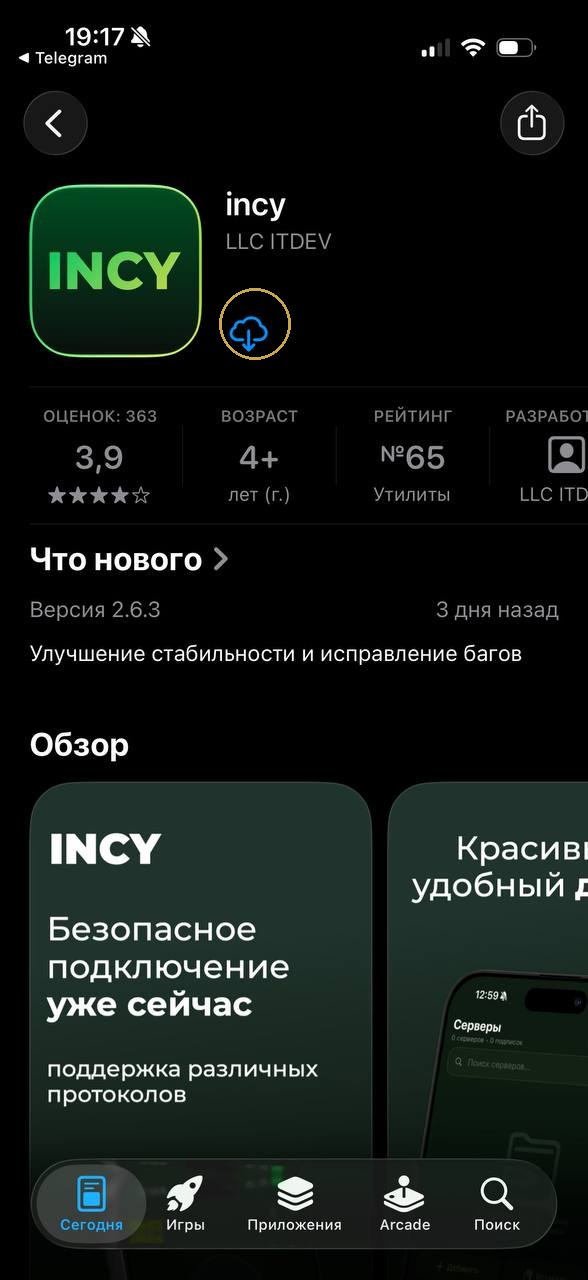
Install INCY
Open INCY in the App Store and install it.
INCY may be missing from your App StoreIf the app won't open or you can't find it, change your Apple Account region and return to this step.
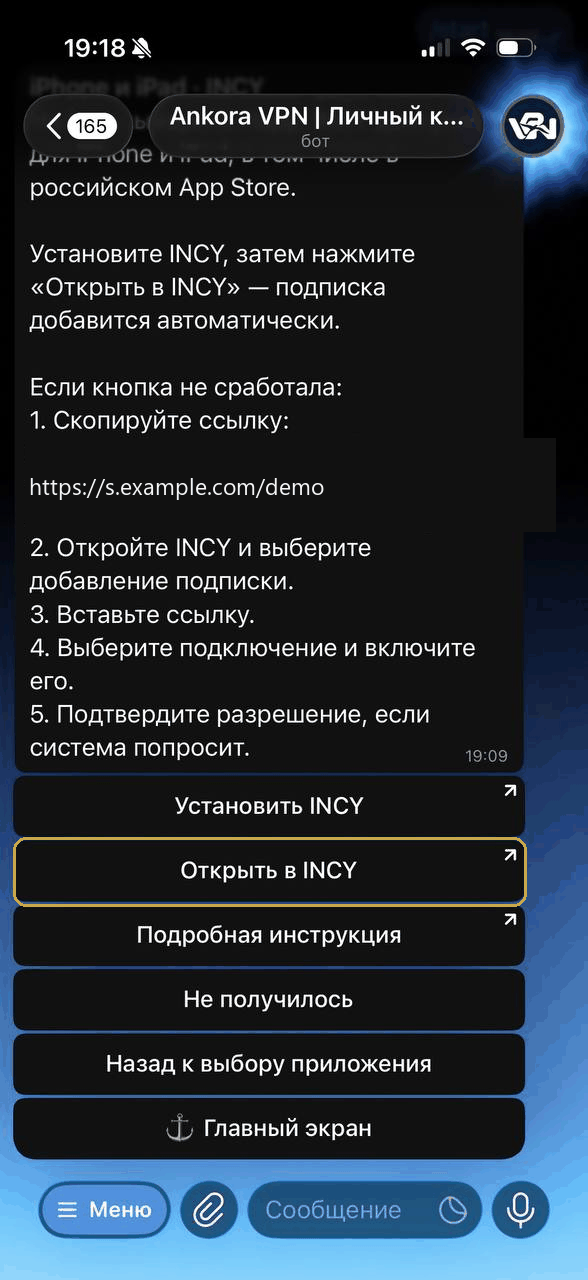
Open your subscription in INCY
Return to Ankora and tap “Open in INCY”.
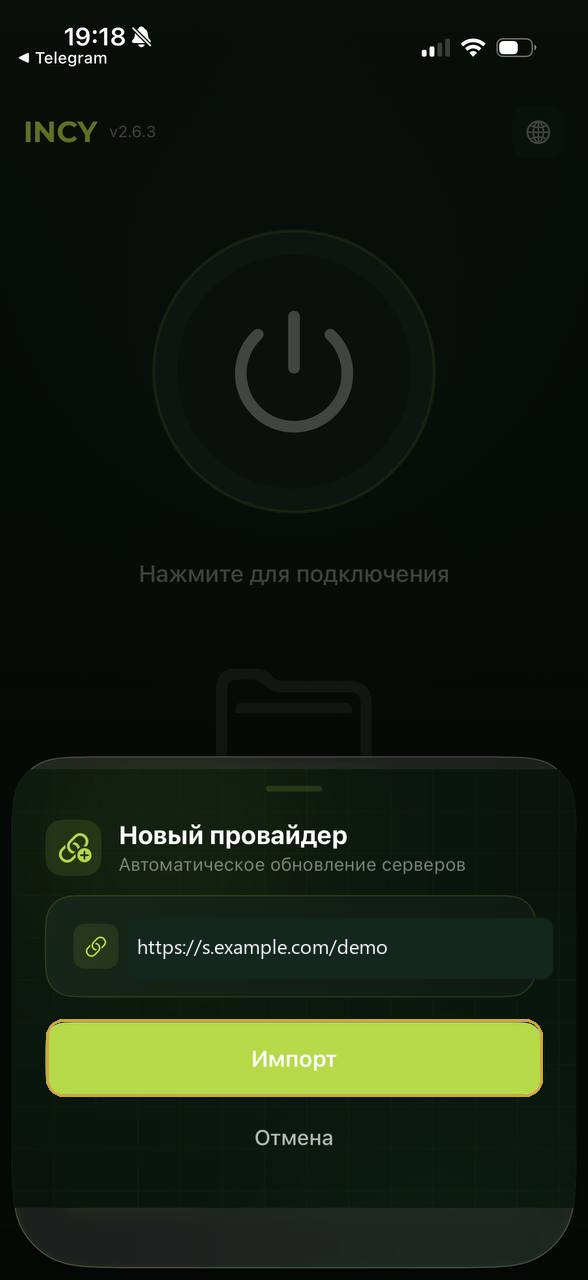
Import your subscription
INCY will open a prefilled form. Tap “Import”.
Allow the connection
When iPhone asks to add a VPN configuration, tap “Allow”.
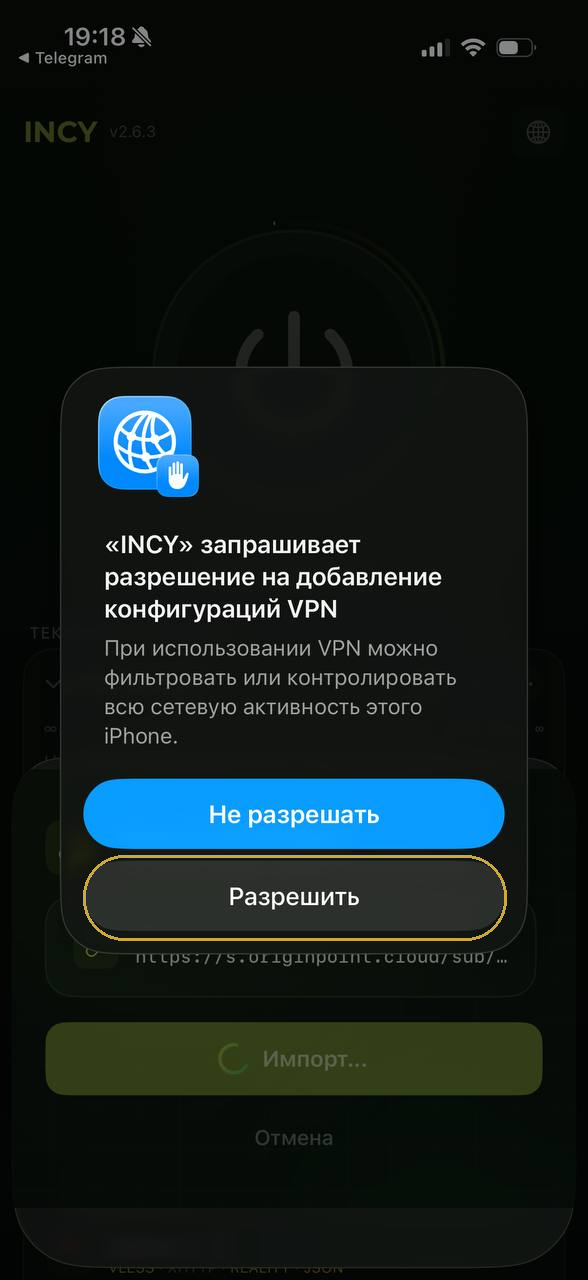
Choose a connection
When your Ankora subscription appears, tap any connection in the list.
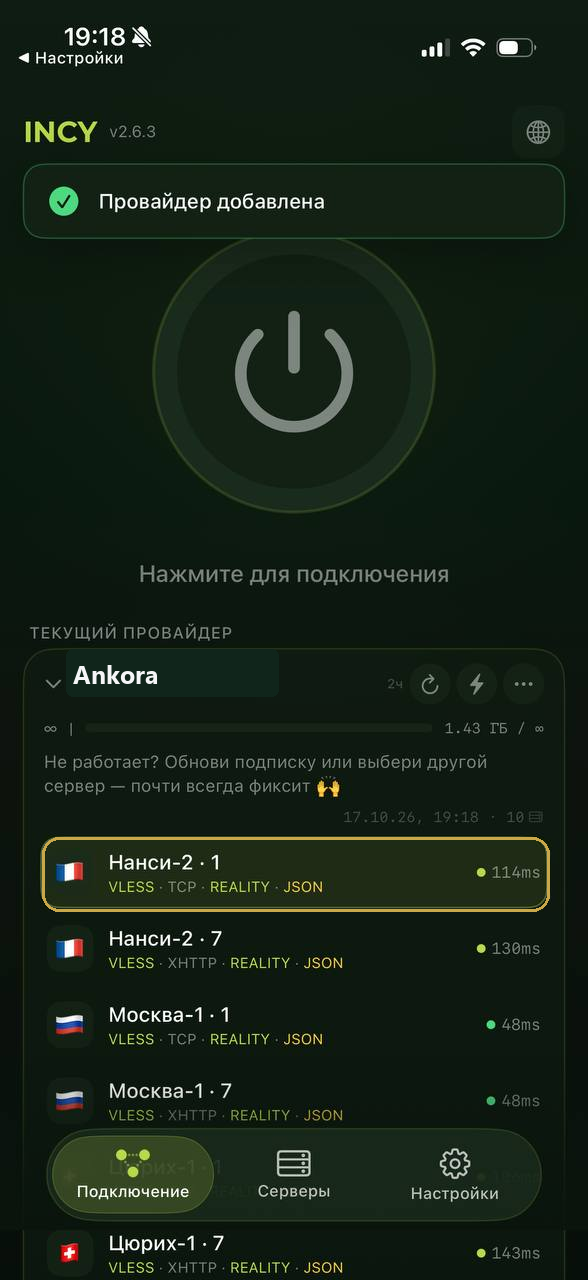
Turn on the connection
Tap the center button at the top of the screen.
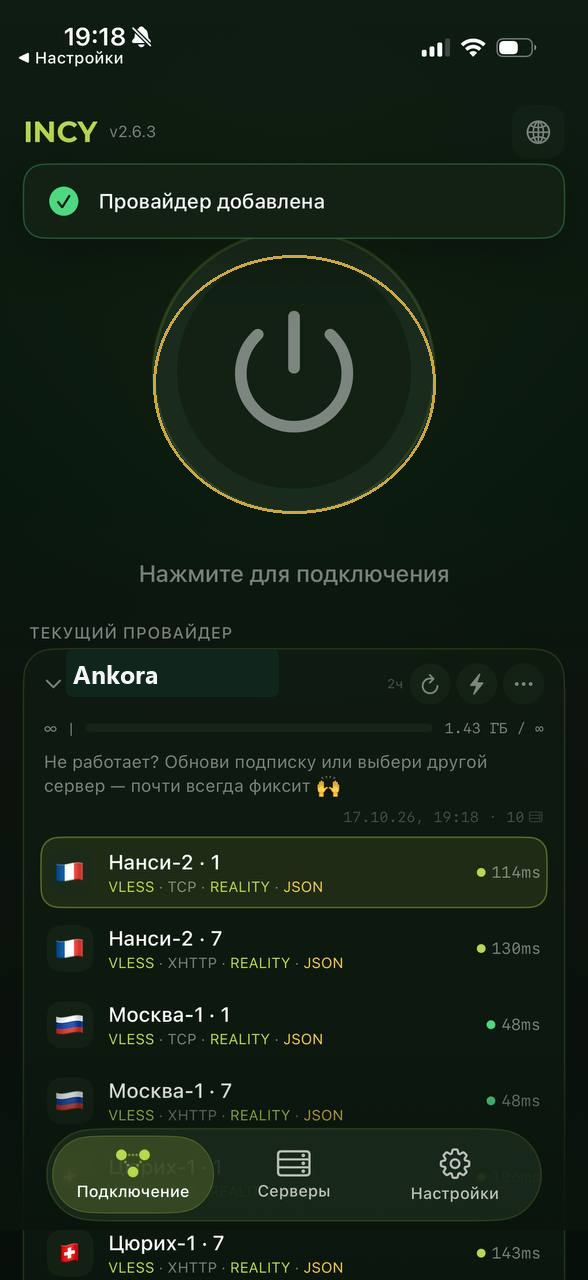
Check the connection
An icon will appear on the button, and a VPN indicator in the status bar.