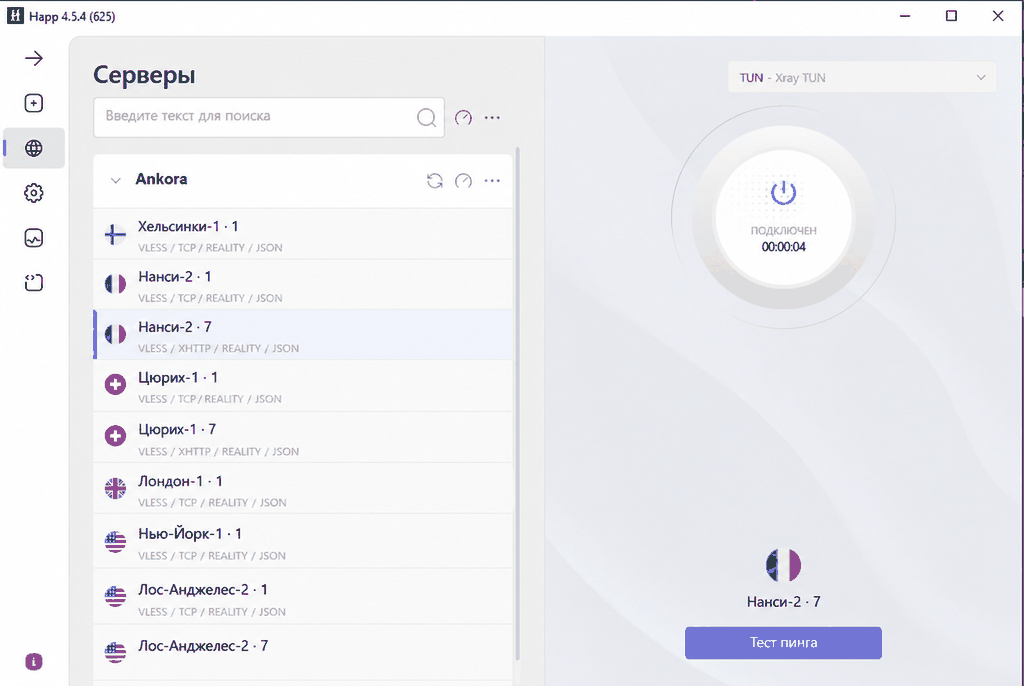
Windows · Happ · detailed guide
Connect with Happ
Download and install Happ from this page first. Then get your subscription link from the Ankora bot on any convenient device and transfer it to your computer.
Download Happ
Choose the version for your system: x64 works for most computers, while ARM64 is for devices with ARM processors.
Install the app
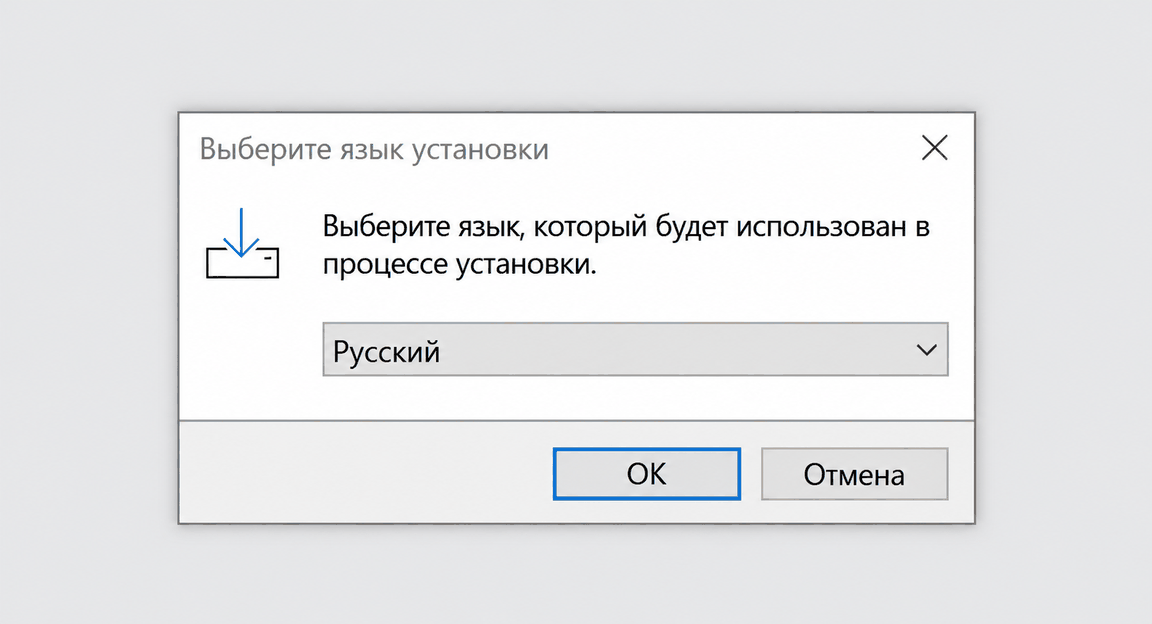
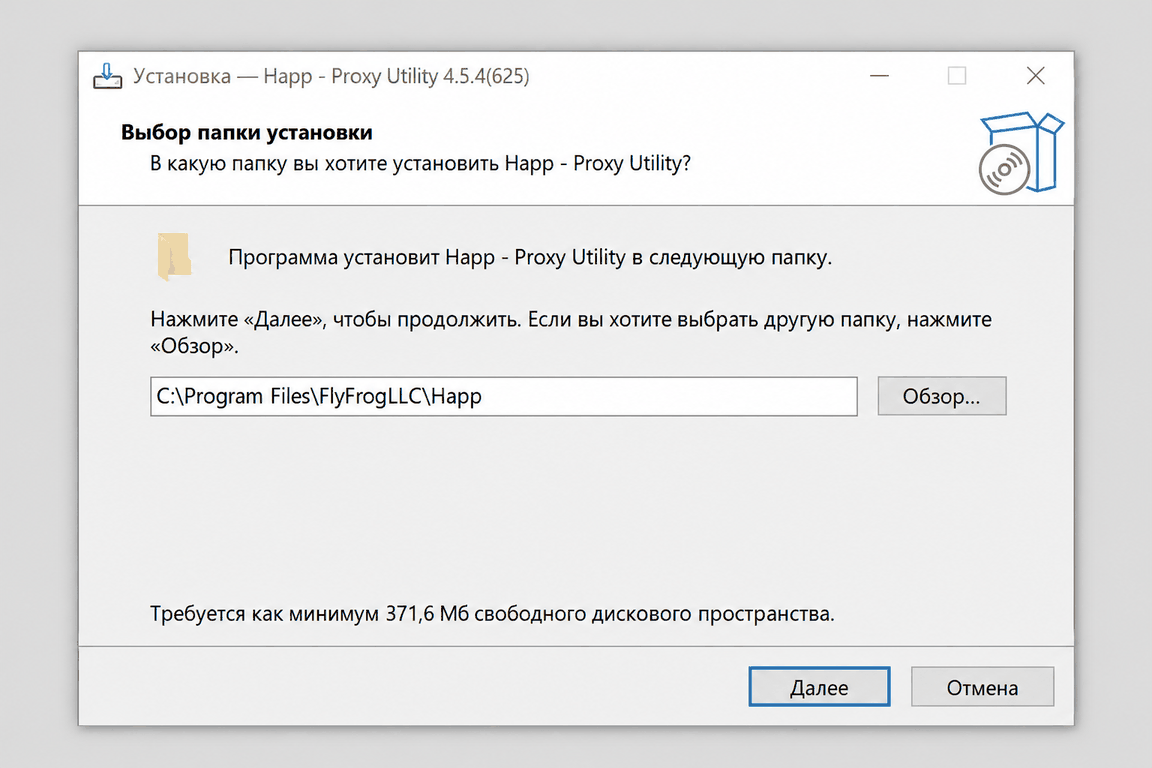
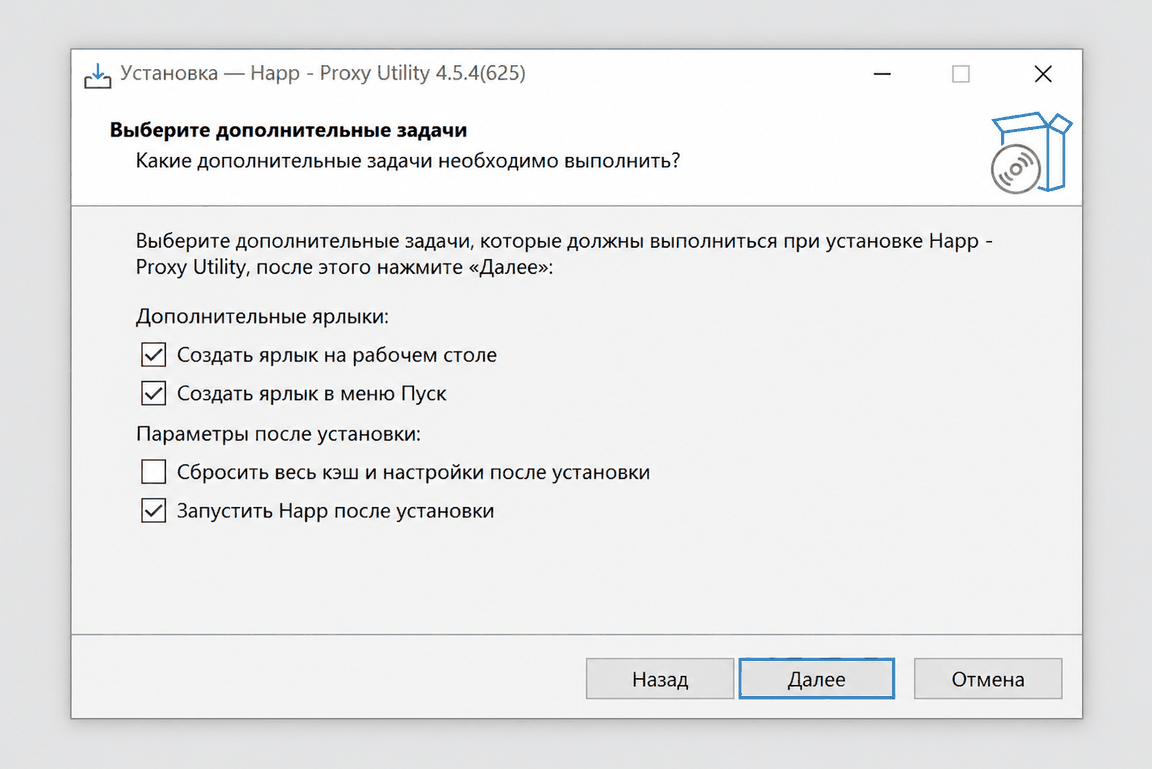
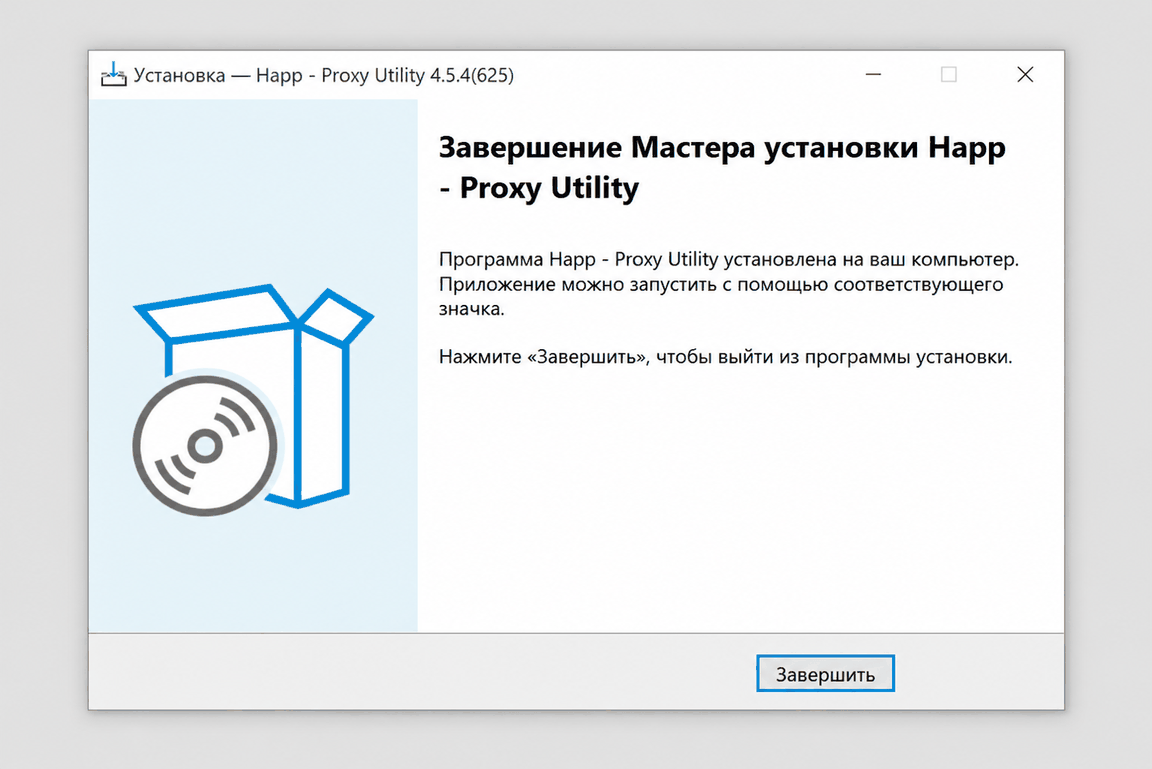
Open the downloaded file, select Russian and continue the installation. The default folder and settings are suitable.
Copy the link
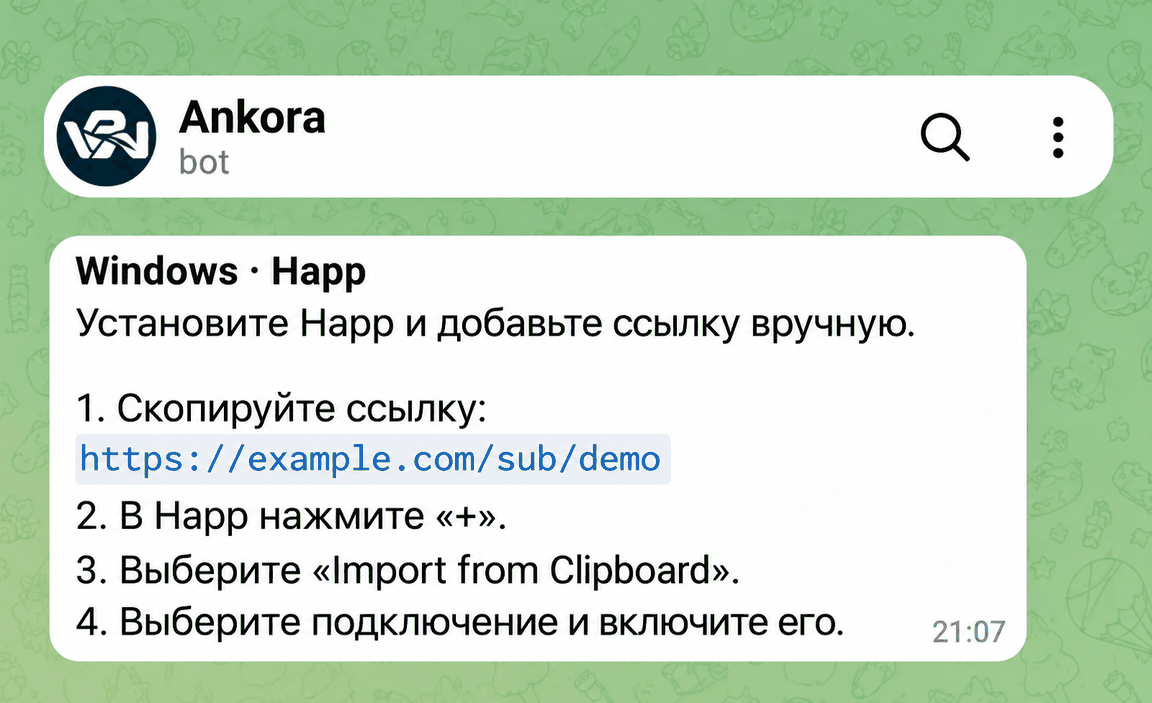
Open the Ankora bot on your phone or computer, choose Windows and Happ, then copy the subscription link.
- open the bot in Telegram Web or the Telegram app on your computer;
- send the link to your Telegram Saved Messages;
- send it through a private email, private chat or synced note.
The link belongs to your subscription. Don't post it in group chats or public places.
Add your subscription
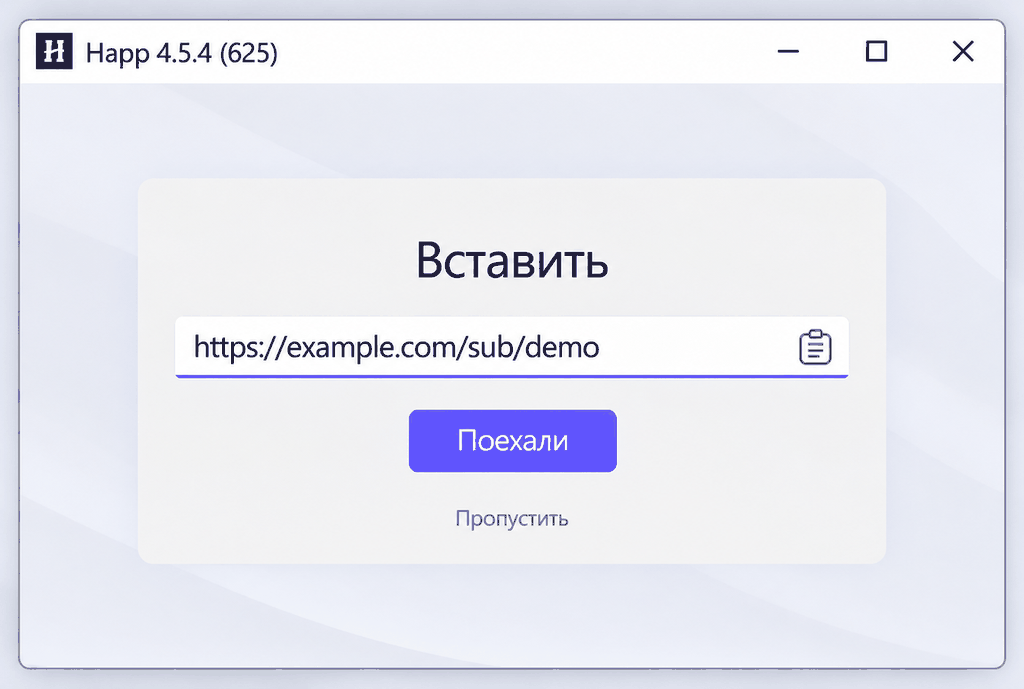
Open Happ. Paste the copied link into the field and tap “Let's go”.
Choose a connection
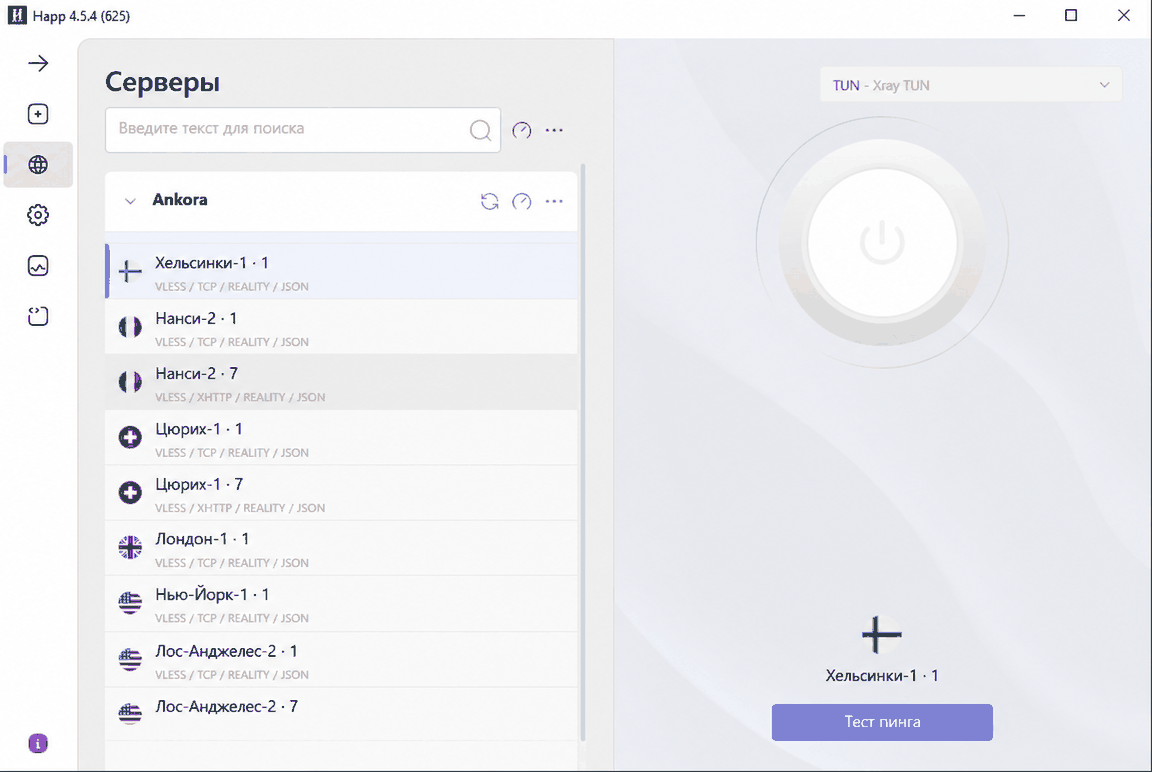
Wait for the list to load, then choose a suitable location.
Turn on the connection
Press the large round button. “Connected” and a timer will appear below it.